My Certificates
What it is for
My Certificates in Membership is the list of certificates for the courses you have completed. A certificate is a PDF confirming that you finished the course — it can be downloaded, printed or passed on.
Where to find it
- In the left menu, click Membership (the academic cap icon).
- Click My Certificates.
The page heading is Membership · My Certificates. The item is visible to anyone with the permission Learning and my courses → View.
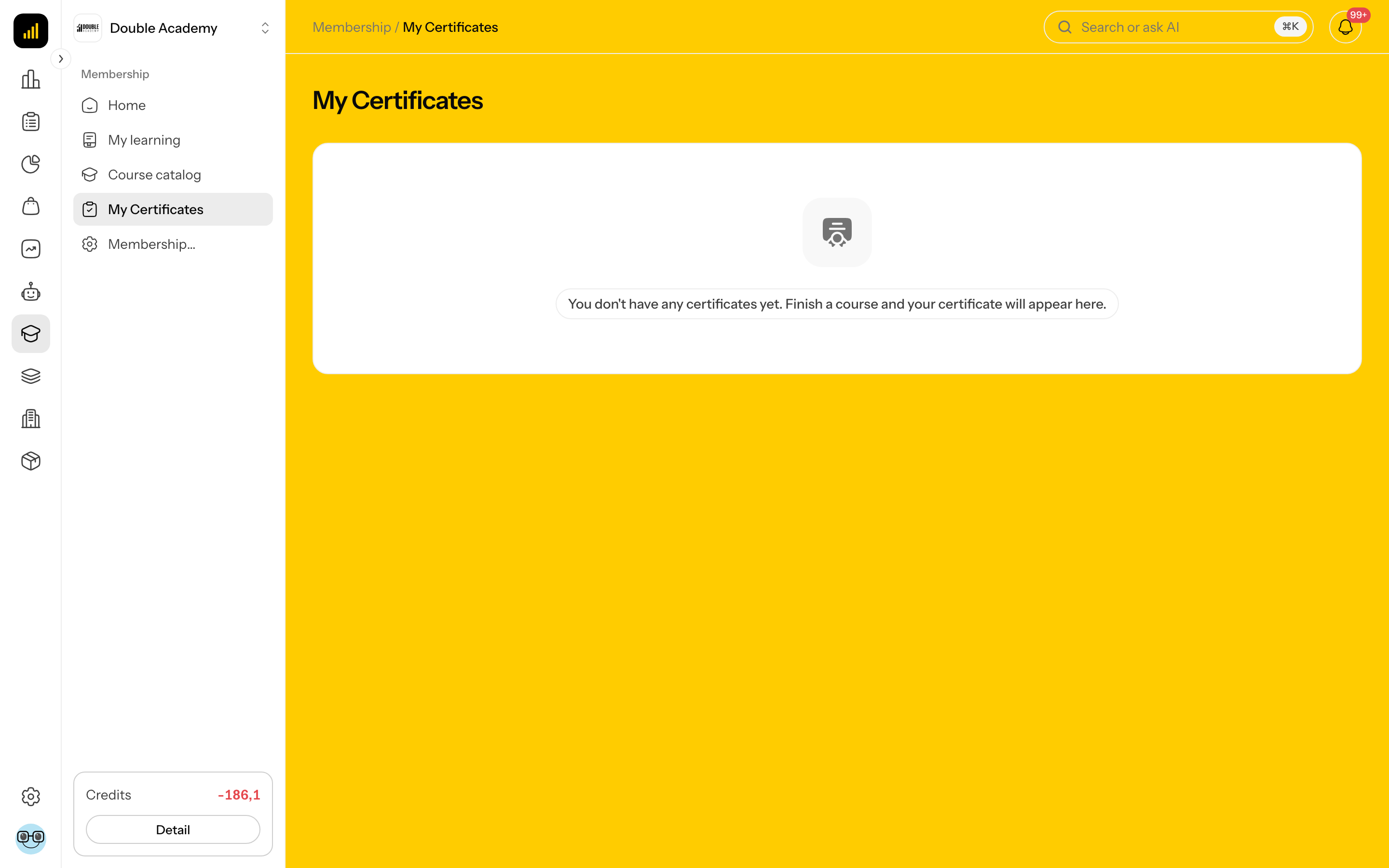
What I see on the screen
Each certificate is a card with the course cover image, the course title and the button Download certificate. If you have none yet, the page reads You don't have any certificates yet. Finish a course and your certificate will appear here.
How to earn a certificate
- Open the course in Membership → My learning.
- Complete all of its lessons (the Watched button, the Mark as Completed icon, or automatically after watching 95% of the videos, if the course is set up that way).
- After the last lesson is completed, the window Congratulations! appears with the text Your certificate is ready. The certificate is also sent to you by email.
Certificates are issued only for a course. There is no certificate for a bundle as a whole (you get one for each course in the bundle separately), nor for supplementary content.
How to download a certificate
You can download a certificate in three places:
- Membership → My Certificates → Download certificate on the course,
- Membership → My learning → Download certificate on the card of a completed course,
- on the page of a completed course (label Completed) → Download certificate.
A PDF file is downloaded. If the download fails, Failed to download the certificate. appears — try again in a moment.
Who can do this
Anyone with the permission Learning and my courses → View (Permission matrix, module Membership) who has completed a course. Only its owner can see a certificate.
Common questions and problems
I completed all lessons but have no certificate. Check in the course that every lesson is marked as completed — with Complete lessons automatically, a lesson with a video only counts once you have watched 95% of every video.
Can the certificate's look be changed? The certificate shows the organisation's name, logo and colour (if the organisation has them set), the course title, the student's name and the completion date. The app has no custom certificate template.
The certificate shows the wrong name. The name is taken from your account at the moment the course was completed. Check it before completing in My account. A certificate already issued does not change by itself after a name change — contact an admin.
Related
- My learning — completing a course
- Home